TECHNOLOGY
Mozilla Introduces Built-In VPN in Firefox: How to Check if You Have It
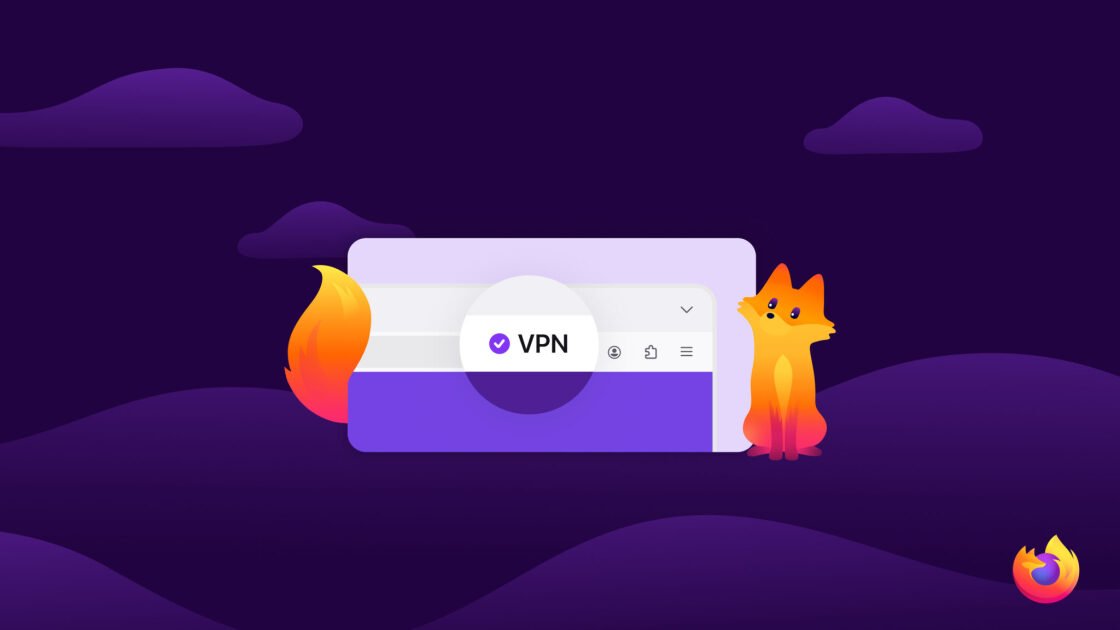
Mozilla Rolls Out Built-In VPN on Firefox
Mozilla, the company behind Firefox, has just launched a new feature that many users will find exciting – a built-in VPN! This feature is available in the latest version of Firefox, called version 149.
What is a VPN?
A VPN, or Virtual Private Network, helps keep your online activities private. It hides your IP address and makes your internet connection safer. This means that what you do online is more secure, which is great for protecting your personal information.
What’s New in Firefox?
The new built-in VPN service allows users to have up to 50GB of data per month for free! This is a great addition for people who care about privacy and want to browse the internet without others tracking them.
How to Check if You Have the VPN
If you want to see if your version of Firefox has this new VPN feature, here’s how to check:
- Open Firefox: Start by opening your Firefox browser.
- Check Your Version: Click on the menu button in the top right corner (three horizontal lines). Then, go to Help and click on About Firefox. This will show you what version you have.
- Update if Needed: If your version is 149 or higher, you should have access to the built-in VPN. If it’s lower, you can update Firefox by following the instructions on the same page.
Conclusion
Mozilla’s new built-in VPN in Firefox is an exciting step for internet privacy. With 50GB of free data each month, it’s worth checking if you have it! Keeping your online activities private has never been easier.