WORDPRESS
Selling on ChatGPT with WooCommerce: A Comprehensive Guide
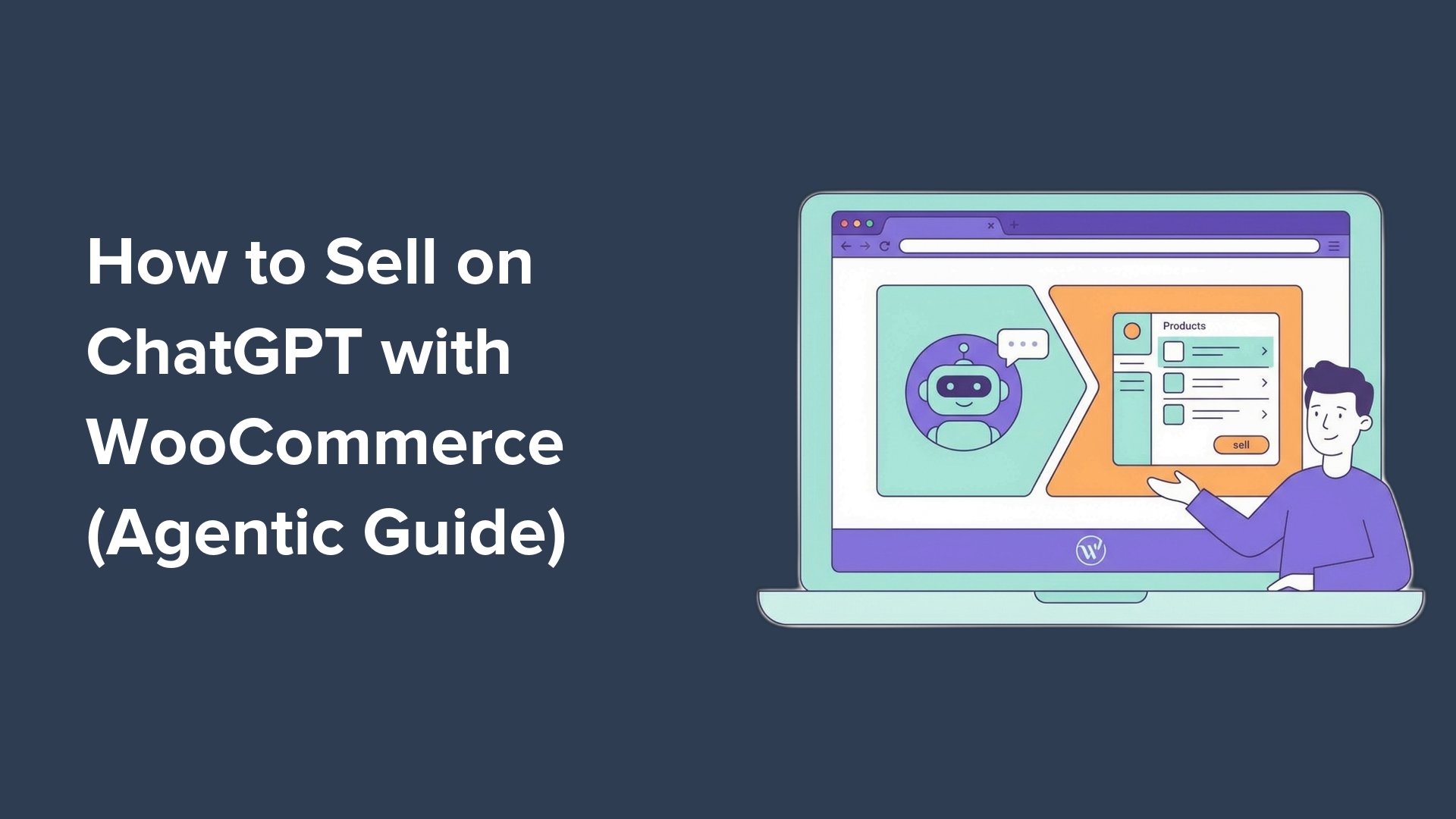
How to Sell on ChatGPT with WooCommerce: A Simple Guide
If you have a WooCommerce store, you might be excited to know that ChatGPT now allows users to shop directly within its chat interface. For example, a user might say, “I need a blue yoga mat under $40,” and ChatGPT can show them real products available from different sellers, including prices and stock status. This creates a new way to reach customers, but many store owners don’t know how to take advantage of this.
In this guide, we will walk you through how to display your WooCommerce products in ChatGPT’s shopping results, covering everything from registering as an OpenAI merchant to submitting your product feed.
What is ChatGPT Agentic Commerce?
ChatGPT Agentic Commerce, or ChatGPT Shopping, is a feature where users can discover and buy products right inside ChatGPT. When a user asks about a product, ChatGPT responds with options from registered merchants. These products include prices and availability, and users can easily click to visit your WooCommerce store to make a purchase.
Why Sell on ChatGPT with WooCommerce?
- High-Intent Product Discovery: Your products are shown when users ask specific questions, putting your brand in front of customers who are ready to buy.
- Direct Store Traffic: When customers click on your products, they go directly to your WooCommerce store, allowing you to maintain the customer relationship and gather valuable data.
- Increased Revenue: You can promote upsells, cross-sells, and other offers, making each order potentially more profitable.
- Seamless Integration: Providing quality product data helps ChatGPT understand what you sell and recommend your products accurately.
What You’ll Need to Start
Before you begin, make sure you have:
- A WooCommerce store running on WordPress.
- Accurate product details, including titles, descriptions, prices, and stock status.
- Unique product identifiers (GTIN or MPN) for each item.
How to Sell on ChatGPT with WooCommerce: Step-by-Step
Step 1: Register as a Merchant with OpenAI
First, apply to become an OpenAI merchant. Fill out your business details, including your region and type of products offered. After submitting, you’ll receive a confirmation email. Review times can vary, so apply early!
Step 2: Add GTIN or MPN Identifiers
OpenAI requires each product to have a unique identifier like GTIN (Global Trade Item Number) or MPN (Manufacturer Part Number). To add these in WooCommerce, go to Products » All Products, select a product, and find the SKU field in the ‘Product data’ section.
If you have a large catalog, you can export your product list as a CSV file, add identifiers, and import it back to WooCommerce.
Step 3: Install a ChatGPT Product Feed Plugin
You need a plugin to create a product feed that suits OpenAI’s requirements. One recommended option is the Product Feed Pro by AdTribes. Install and activate it to get started.
Step 4: Configure and Generate Your Product Feed
After activation, go to Product Feed » Create Feed in your WordPress admin. Enter a name for your feed, select your country, and choose “OpenAI Product Feed.” Use the JSONL format, which is preferred by OpenAI, and follow the prompts to map your product data correctly.
Step 5: Submit Your Product Feed to OpenAI
After OpenAI approves your merchant application, they will guide you on how to submit your product feed. Navigate to Product Feed » Manage Feeds and copy your feed URL. Submit this URL per OpenAI’s instructions, and it will be validated within 24 to 48 hours. If there are any issues, the portal will inform you of any missing or incorrectly formatted fields.
FAQs About Selling on ChatGPT with WooCommerce
- What if my products don’t have GTINs? If you resell products, the GTIN can often be found on the packaging or the manufacturer’s website. If you make your own items, create your own MPN using a consistent format.
- How long does OpenAI merchant approval take? The review can take from a few days to several weeks.
- Can I sell digital products on ChatGPT? Currently, the feature mainly focuses on physical products. Check OpenAI’s guidelines for updates.
- Will this replace my WooCommerce store? No, ChatGPT is an additional sales channel. Your WooCommerce store remains your main outlet for processing orders.
- What are the costs? Registering as a merchant is free, but check the product feed plugin for any associated fees.
Start Getting Your WooCommerce Products Discovered
Selling on ChatGPT is a new opportunity for WooCommerce store owners. By following these steps, you can get your products listed and reach more customers than ever before. To summarize:
- Register as a merchant with OpenAI.
- Add GTIN or MPN identifiers to your products.
- Install a product feed plugin.
- Generate your product feed.
- Submit your feed to OpenAI.
With these steps, you can connect your store and take advantage of this innovative selling approach!
You can read a more detailed article at: Source