WORDPRESS
Optimizing WooCommerce Product Pages for Better SEO
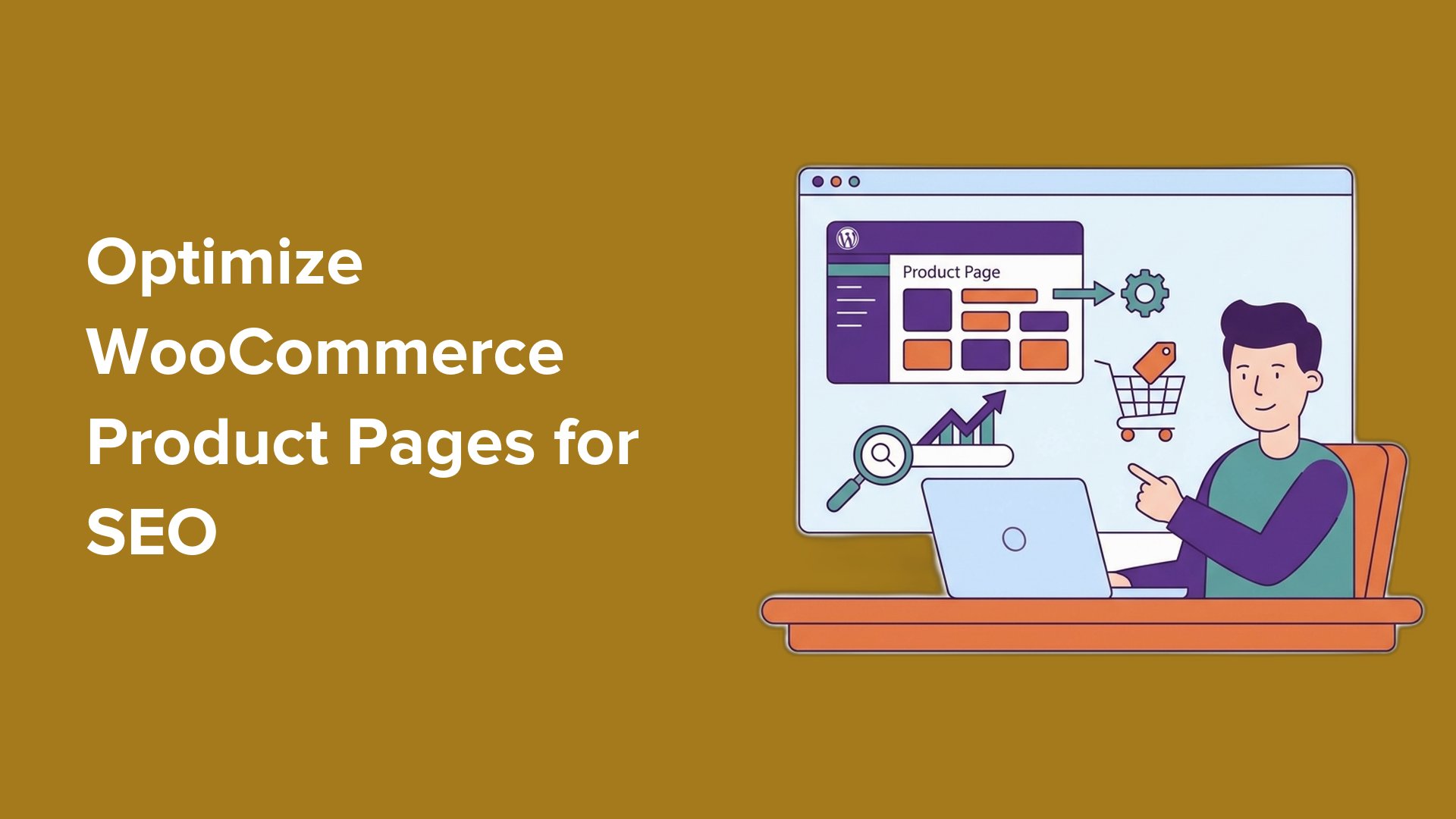
Getting visitors to your WooCommerce store can be difficult if your product pages do not appear on Google. Many shop owners sell great products but miss out on important search traffic because their pages are not optimized properly. Often, the problem lies in the way the product page is set up for SEO, not the product itself.
Why Is SEO Important for WooCommerce?
SEO, or Search Engine Optimization, is critical for WooCommerce product pages. Most product pages do not rank in search results, which means many online stores miss free traffic. If your product descriptions are too short or duplicate, or if your titles are poorly optimized, search engines may not understand your page. This can limit your chances of appearing in search results.
Benefits of Optimized Product Pages
By fixing these SEO issues, your product pages are more likely to:
- Appear in Google search results for buying-related keywords.
- Receive consistent, free traffic without relying on ads.
- Unlock rich snippets (extra information shown in search results) like price and ratings that make your listings stand out.
Steps to Optimize Your WooCommerce Product Pages
Here are some steps to follow for optimizing your product pages:
Step 1: Use the Right SEO Plugin
To begin, install an SEO plugin like AIOSEO. This plugin helps manage your SEO settings without needing to code. It makes it easier to control how your WooCommerce store appears in search engines.
- Install and activate AIOSEO on your WordPress site.
- Run the setup wizard to configure basic SEO settings.
- Enable WooCommerce SEO features in AIOSEO’s settings.
Step 2: Write SEO-Friendly Product Titles
Your product title is crucial for SEO. A good title helps Google understand what you’re selling and can influence user clicks. Use this simple formula:
Primary Keyword + Key Feature + Modifier
For example, instead of just “Running Shoes,” use “Lightweight Running Shoes for Men – Breathable & Durable.”
Step 3: Optimize Your Product Descriptions
Your product descriptions help search engines understand your product and persuade customers to buy. There are two types of descriptions:
- Short Description: A brief summary near the top.
- Long Description: Detailed information further down.
Follow this structure for your descriptions:
- Start with a benefit.
- List key features.
- Explain who it’s for.
- Add social proof or guarantees.
- End with a call to action.
Step 4: Add Product Schema (Rich Snippets)
Schema helps search engines understand your product better, allowing Google to show additional details like price and reviews directly in search results. AIOSEO can automatically add product Schema for WooCommerce products, and you can edit it directly in the plugin settings.
Step 5: Optimize Product Images
Optimized images help improve both page speed and SEO. Here’s how:
- Rename image files using descriptive names.
- Choose the right format (JPEG is usually best for product photos).
- Compress images before uploading to reduce file size.
- Add alt text that accurately describes each image.
Step 6: Improve Category and Tag SEO
Don’t forget about your WooCommerce category and tag pages. They can bring in good traffic, so make sure they have helpful SEO content. Add descriptions that clearly explain what kinds of products belong in that category.
Step 7: Internal Linking
Link relevant products within your store. This can help with SEO and improve user experience. Methods include:
- Upsells: Suggest better versions of the same product.
- Cross-sells: Recommend related products during checkout.
- Related Products: Show similar items on each product page.
Step 8: Utilize Customer Reviews
Customer reviews add fresh, keyword-rich content to your product pages. Encourage reviews to help keep your content relevant.
Step 9: Optimize for Speed and Mobile
Ensure your product pages load quickly. Google considers page speed as part of its ranking process. Use caching plugins and choose a fast, quality web host to improve load times. Make sure your website is mobile-friendly since many shoppers will access your store from mobile devices.
Step 10: Track Your SEO Performance
After optimizing, it’s crucial to track how your changes are affecting traffic, clicks, and sales. Use a tool like MonsterInsights to connect your WooCommerce store with Google Analytics and see key metrics like organic traffic and conversion rates.
Conclusion
Optimizing your WooCommerce product pages for SEO is essential for attracting traffic and increasing sales. By following these steps and using the right tools, you can significantly improve your page visibility in search engines. For additional details, check our full guide on WooCommerce SEO for more in-depth tips.