MARKETING
The 8 Best Free Flowchart Templates [+ Examples]
![The 8 Best Free Flowchart Templates [+ Examples]](https://articles.entireweb.com/wp-content/uploads/2022/03/The-8-Best-Free-Flowchart-Templates-Examples.jpgkeepProtocol.jpeg "The 8 Best Free Flowchart Templates [+ Examples]")
Updated: June 2025 – The 8 Best Free Flowchart Tools and Templates to Use in 2025
Visualizing processes isn’t just helpful – it’s essential. Whether you’re mapping a customer journey, onboarding process, or sales workflow, a flowchart is still one of the clearest ways to make complex systems understandable for your team and stakeholders.
In 2025, we’re far beyond drawing arrows in Word or dragging shapes in PowerPoint. Today’s best flowchart tools are fast, collaborative, visually polished, and (often) free.
Below are the 8 best modern tools and templates for creating flowcharts, all of which support easy screenshot integration (perfect for your how-to guides or presentations).
What Is a Flowchart, and Why Use One?
A flowchart is a visual representation of a process, decision-making path, or sequence of actions. It helps teams understand how something works, step-by-step.
Flowcharts can be used to:
- Streamline processes
- Improve team communication
- Clarify ownership and accountability
- Identify bottlenecks or inefficiencies
- Document procedures for training or automation
Use cases include:
- Customer or employee onboarding
- Email automation workflows
- Sales and lead qualification
- Customer journey mapping
- Tech system architecture
- Support flow decision trees
- A/B testing logic
The 8 Best Free Flowchart Tools & Templates (2025 Edition)
1. Miro – Smart Flowchart Toolkit
Best for: Real-time team collaboration
Free plan: Yes
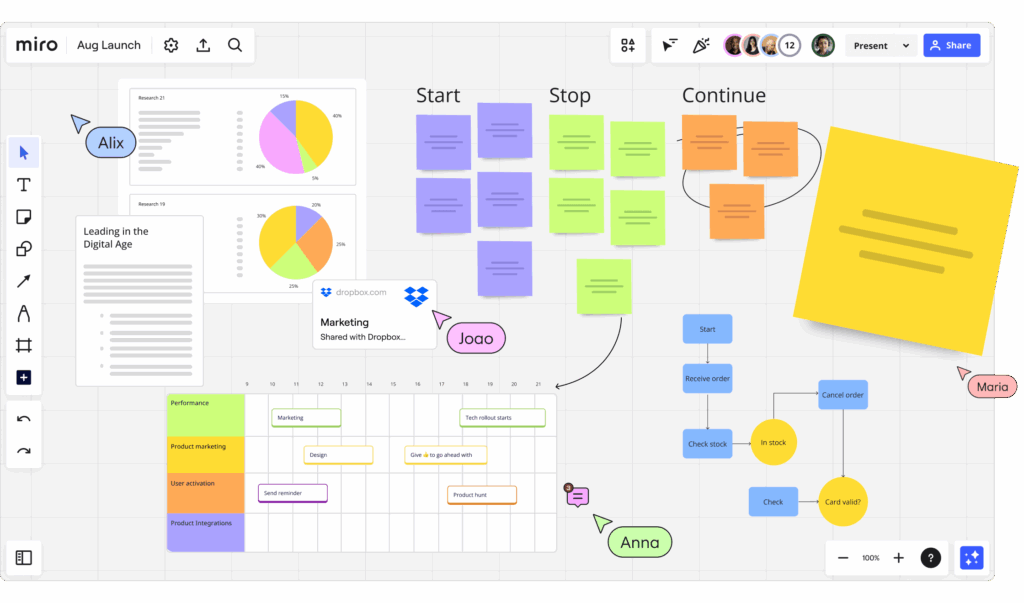
Miro is a leading visual collaboration platform with prebuilt flowchart templates and drag-and-drop components. You can brainstorm, build logic paths, and map user flows – all while collaborating with others in real-time.
Great for mapping cross-functional processes or visualizing agile workflows.
2. Lucidchart – Structured and Professional Diagrams
Best for: Operations, IT teams, and system planning
Free plan: Yes, limited features
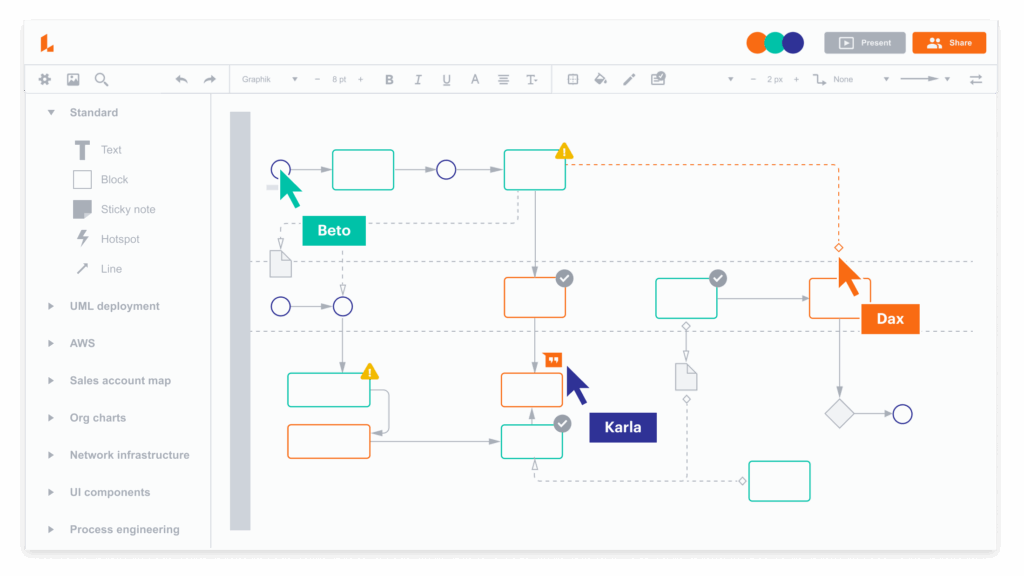
Lucidchart remains one of the most powerful diagramming tools around, supporting conditional formatting, integrations (Google Workspace, MS365, Slack), and layered diagrams. It’s perfect for large organizations or technical use cases.
Try Lucidchart when you need detailed workflows, technical system maps, or decision trees.
3. Whimsical – Fast, Minimal, and Intuitive
Best for: Product teams, content planning, lightweight diagrams
Free plan: Generous, with limited boards
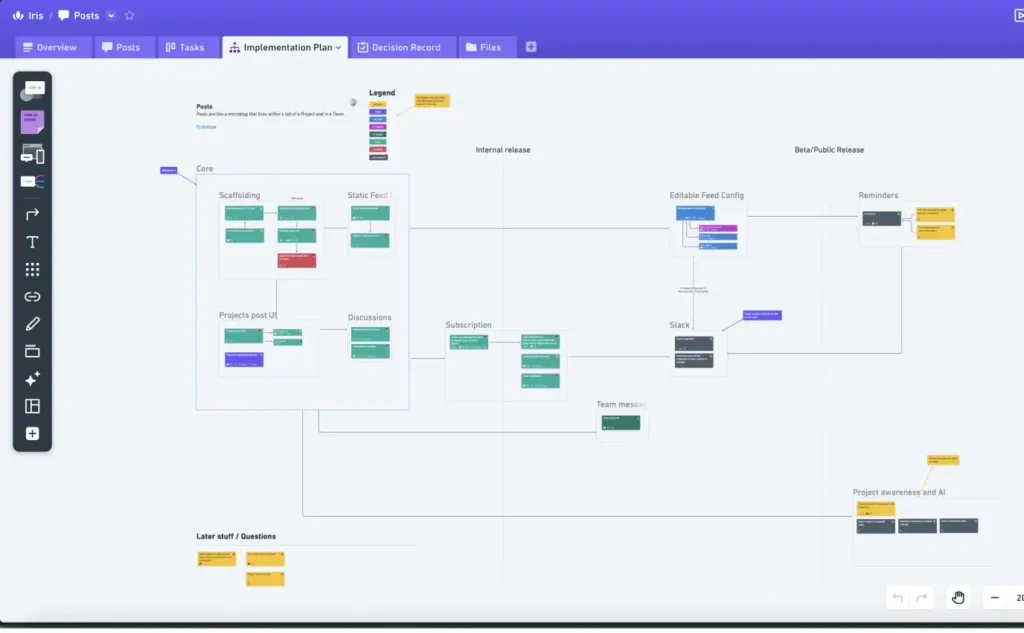
Whimsical makes it incredibly easy to sketch out user flows, content hierarchies, and logic diagrams in seconds. With support for sticky notes, wireframes, and flowcharts in one space, it’s ideal for early-stage planning.
Use Whimsical for quick MVP flows or mapping ideas in workshops.
4. FigJam by Figma – For Designers and UX Thinkers
Best for: Design teams, UX flows, and cross-functional mapping
Free plan: Yes
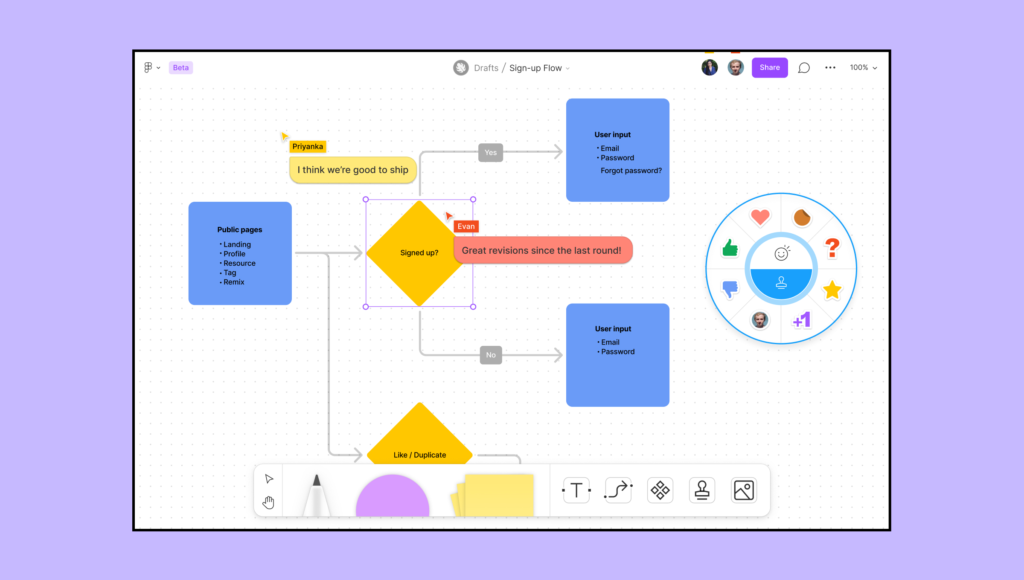
Built by the team behind Figma, FigJam offers a collaborative whiteboard for sketching out product ideas and flows. Its drag-and-drop shapes and sticky notes make it ideal for mapping customer journeys and wireframe logic.
Great for blending product strategy, UI thinking, and flowchart logic in one place.
5. Canva – Beautiful Flowcharts Made Simple
Best for: Marketers, educators, content creators
Free plan: Yes
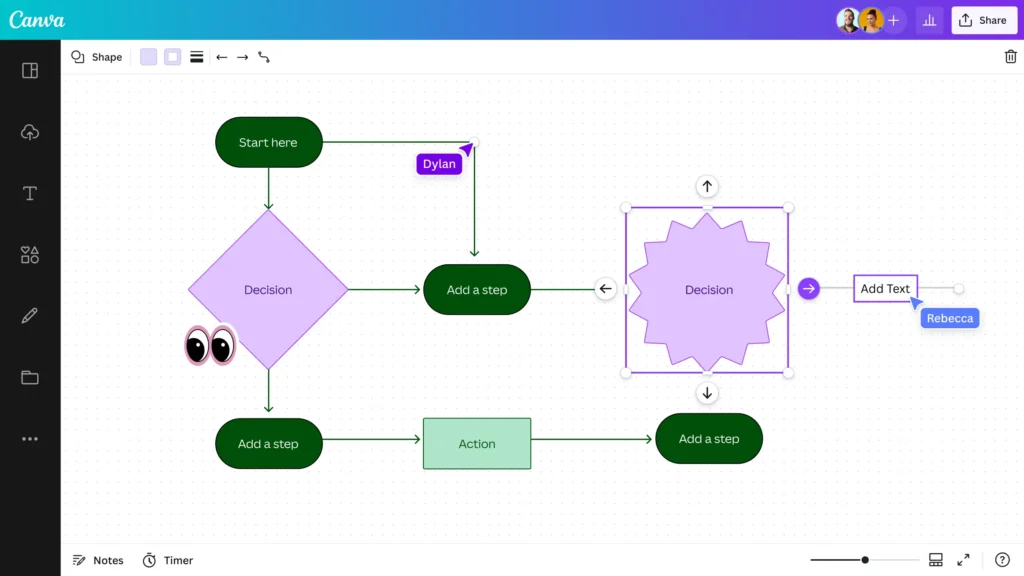
Canva isn’t just for social media and presentations. It now offers modern, easy-to-edit flowchart templates that are perfect for visual storytelling, training materials, and slide decks.
Perfect if you want flowcharts that look polished without needing a designer.
6. Notion + Mermaid – Text-Based Flowcharts for Docs
Best for: Developers, internal wikis, technical documentation
Free plan: Yes
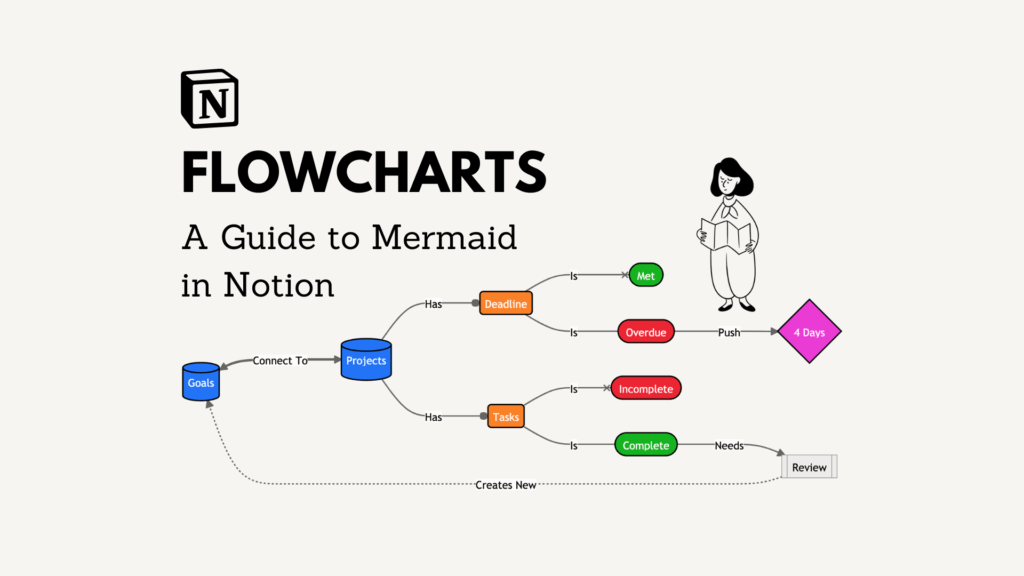
If you’re documenting internal processes or building a knowledge base, Notion supports Mermaid.js to generate flowcharts from plain text. Ideal for lightweight diagrams embedded directly in long-form content.
Recommended for engineering teams and anyone working with structured documentation.
7. Google Drawings – Simple and Accessible
Best for: Small teams, educators, basic flows
Free plan: 100% free
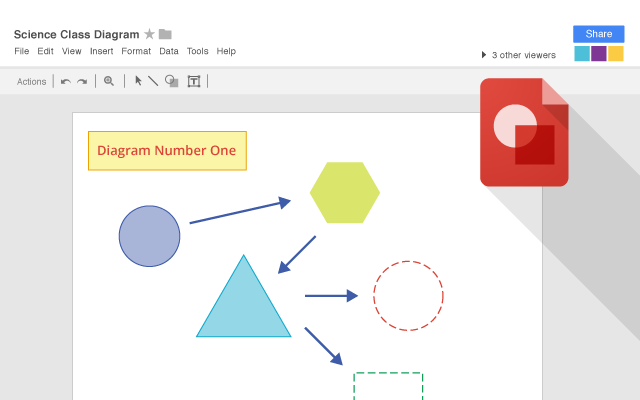
For quick and easy diagrams within your Google Drive environment, Google Drawings is a solid pick. While basic, it’s fast, collaborative, and good enough for straightforward processes.
Use when you just need to quickly visualize something for a meeting or doc.
8. Tldraw – Sketchy, Freeform Whiteboard Flowcharts
Best for: Early brainstorming, creative mapping
Free plan: Yes, open source
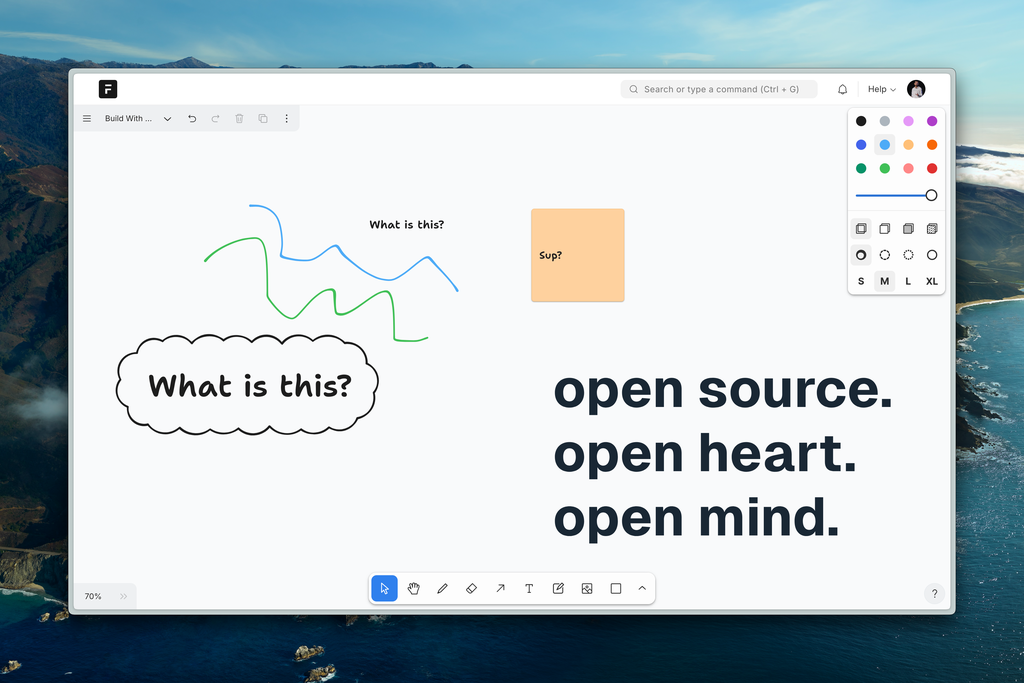
Tldraw feels like drawing on a digital napkin – in the best way. It’s lightweight, open-source, and perfect for sketching rough flows before polishing them elsewhere.
Think of this as a creative sandbox for flowcharting before you commit to structure.
How to Choose the Right Flowchart Tool
| Need | Recommended Tool |
|---|---|
| Real-time collaboration | Miro, Lucidchart |
| UX, product, or customer journey mapping | FigJam, Whimsical |
| Visual storytelling or training diagrams | Canva |
| Internal docs and wikis | Notion + Mermaid |
| Quick, no-frills visualization | Google Drawings, Tldraw |
Final Thoughts
Modern flowchart tools go beyond drawing lines – they empower teams to think, plan, and execute with clarity. Whether you’re automating emails, onboarding new clients, or mapping out a product roadmap, there’s a free flowchart tool to fit your workflow in 2025.