How ‘Are You a Bot’ Screens Can Result in Google Page Drops
Summary: This article explains how security measures like “Are You a Bot” screens, designed to protect websites from suspicious traffic, can inadvertently harm your site’s Google rankings. These screens can cause Google to index the wrong version of your pages or treat your content as duplicates, leading to drops in search visibility. The article highlights the importance of monitoring your site through Search Console and working with your security providers to resolve these issues and prevent negative impacts on your search performance.
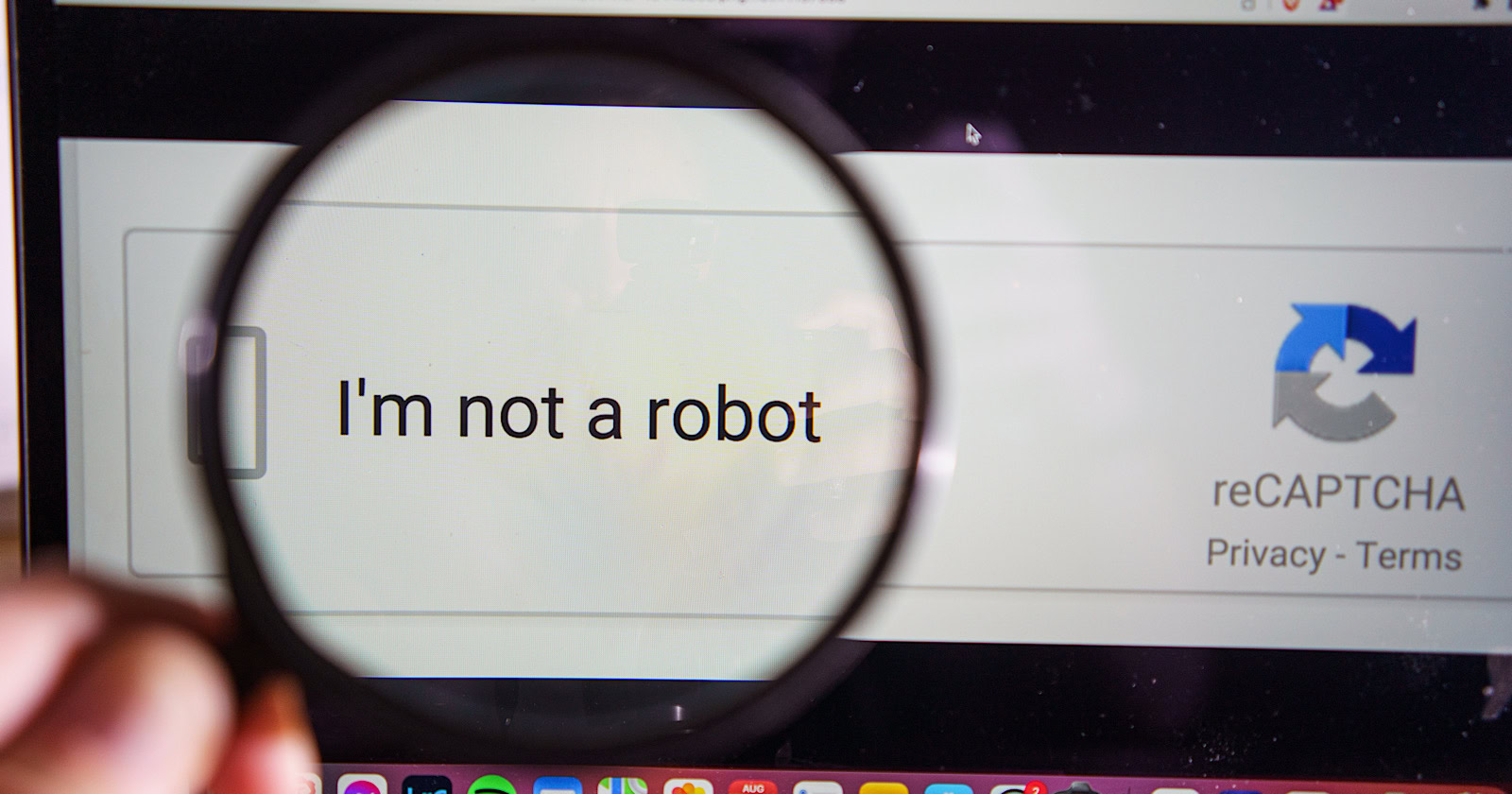
Have you ever seen a screen asking, “Are you a bot?” on a website? This check is meant to stop bad traffic, but it can sometimes make your site go down in Google rankings. In a recent episode of Search Off the Record, Google’s John Mueller explained why this happens.
The Problem
When a site’s security thinks a visitor is suspicious, it shows the “are you a bot” page instead of the actual content. Sometimes, this page gets sent to Google as if it’s normal. Google might then index this page, causing your real content to disappear from search results or be replaced by the bot check page.
This situation is even worse because many sites have similar bot-check pages. If Google sees these similar pages, it might choose one as the main version and treat the others as duplicates. This means your original content can be marked as a copy of something else.
Why It’s Hard to See
Most users won’t see the “are you a bot” page. If you visit your own site, it likely appears normal to you. However, to find out if there is a problem, you should check Google Search Console. There, the page indexing report may show that some pages are duplicates or have been marked as primary on another site.
The URL Inspection tool in Search Console can show you which version of your page Google considers the main one. If that version belongs to someone else, you’ll need to investigate further.
Why This Matters
The “are you a bot” issue can happen for several reasons, often connected to the services that protect your website, like CDN (Content Delivery Network) or security software. These protections might activate when Google tries to crawl your site, thinking it’s suspicious.
Even if everything seems fine when you check, Google might receive the wrong information because of this screen. This is why many checks don’t catch the issue – it’s not that the page is broken; it’s that Google isn’t seeing the correct content.
Next Steps
If you think you have this problem, it’s important to reach out to whoever handles your security, CDN, or web hosting for help. Once you fix the issue, you can ask Google to check your site again using the “Validate Fix” option in Search Console. Google will also notice the changes during its next visit.
In conclusion, these “are you a bot” screens can cause serious issues for your website’s visibility on Google. Being proactive and monitoring your site’s health can help you avoid getting dropped from search results.