SECURITY
5 Secure Password Managers to Consider Instead of Google Password Manager
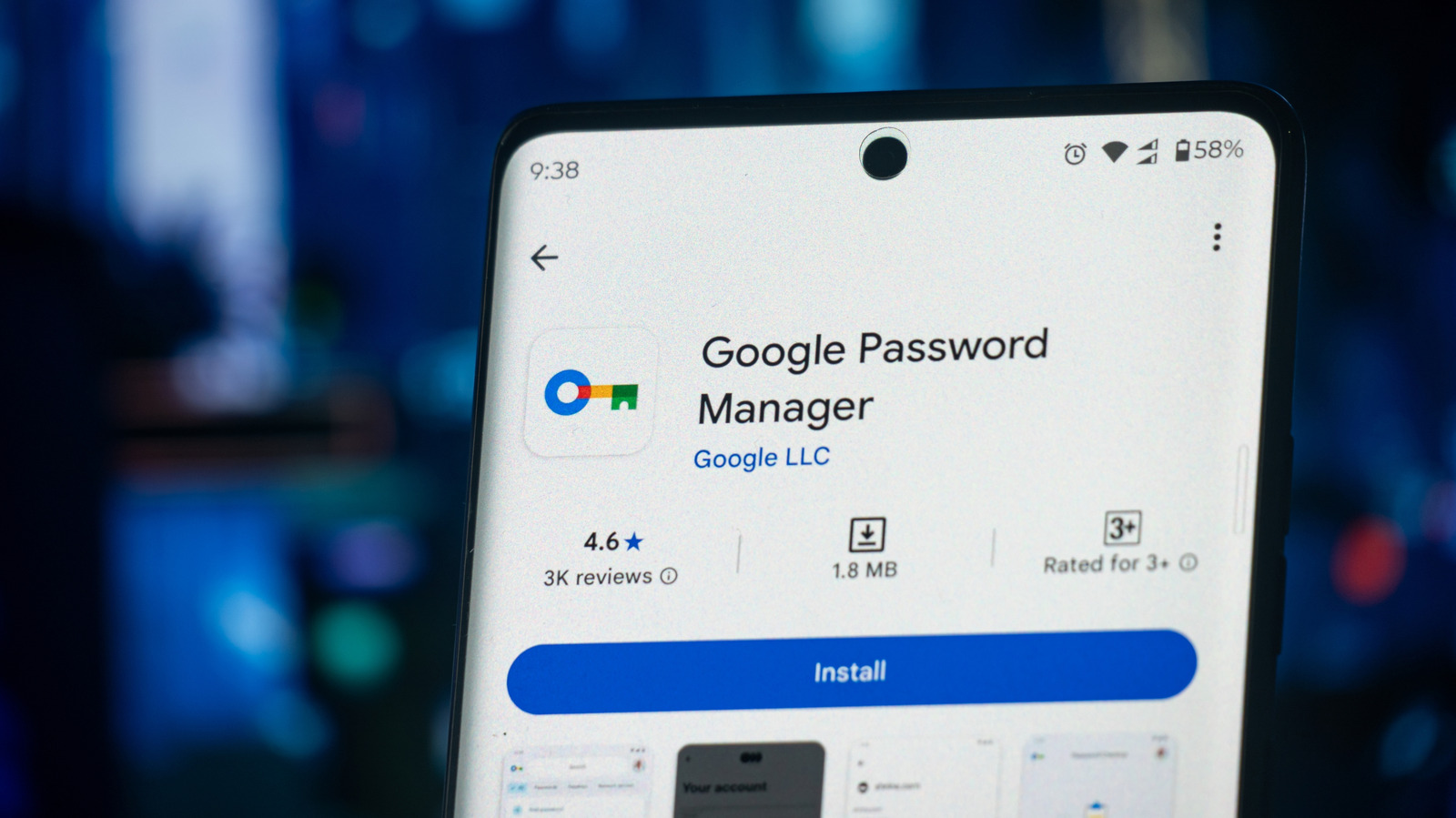
Using a password manager is very important. It helps you keep all your passwords safe in one place. You only need to remember one master password to access all your other passwords. This makes it easy to have strong and different passwords for every website, which is safer than using simple or repeated passwords.
While Google’s Password Manager works well and has features like secure storage, auto-fill, and cross-device sync, it isn’t the best choice for everyone. Some people might not want to tie their passwords to their Google account, and it lacks some advanced features found in other password managers. Here are five secure alternatives to consider:
1. Bitwarden
Bitwarden is an open-source password manager known for its strong security. It uses zero-knowledge encryption, meaning only you can access your stored passwords. Here are some of its features:
- Access Across Devices: You can use Bitwarden on mobile (Android and iOS), desktop (macOS, Linux, Windows), and most browsers.
- Password Generation: It can help create strong passwords.
- Store More Than Passwords: You can also save notes, credit card information, and secure files.
- Affordable Plans: Bitwarden has a free version, and paid plans start at $19.80 per year for extra features.
2. Proton Pass
Proton Pass comes from the team that created Proton VPN. It uses strong AES-256 encryption to keep your logins safe. Some key features are:
- Email Aliases: This helps keep your real email private when signing up for websites.
- Unlimited Storage: You can store as many logins as you need.
- Passkey Support: It can help you use passkeys instead of passwords for better security.
- Free and Paid Plans: The free version is good for most users, while paid plans start at $4.99 per month for added features.
3. 1Password
If you’re okay with paying for a password manager, check out 1Password. It’s user-friendly and works on all major platforms. Key features include:
- Strong Encryption: It protects your passwords with AES 256-bit encryption.
- Secure Sharing: You can safely share passwords with trusted people.
- Travel Mode: This feature removes sensitive info when you travel.
- Monthly Fees: An individual’s plan costs $4.99 per month, and a family plan is $7.99 per month.
4. RoboForm
RoboForm is another good choice. It uses AES-256 encryption and offers several security features. Here’s what it offers:
- Multiple Authentication Options: You can secure your account through emails, text messages, and even hardware keys.
- Password Health Check: It helps you find and fix weak or reused passwords.
- Affordable Pricing: It costs $29.88 per year for Premium, and $47.75 per year for a Family plan.
5. NordPass
Created by the team behind NordVPN, NordPass uses XChaCha20 encryption. Here are some of its features:
- Multi-Factor Authentication: This adds extra security to your account.
- Cross-Device Sync: You can access your stored data on multiple devices.
- Free and Paid Plans: The free plan limits you to one device, while the Premium plan is $35.88 per year.
Choosing the Right Password Manager
When looking for an alternative to Google Password Manager, you should consider the following:
- Security: Make sure it has strong protection for your data.
- Cross-Device Compatibility: It should work on various devices and browsers.
- Extra Features: Look for managers that support storing more than just passwords, like notes and documents.
These password managers offer great security and features, making them solid alternatives to Google Password Manager. Consider trying one that fits your needs!