DUCKDUCKGO
DuckDuckGo Browser Now-blocks YouTube Ads on iPhone and Mac
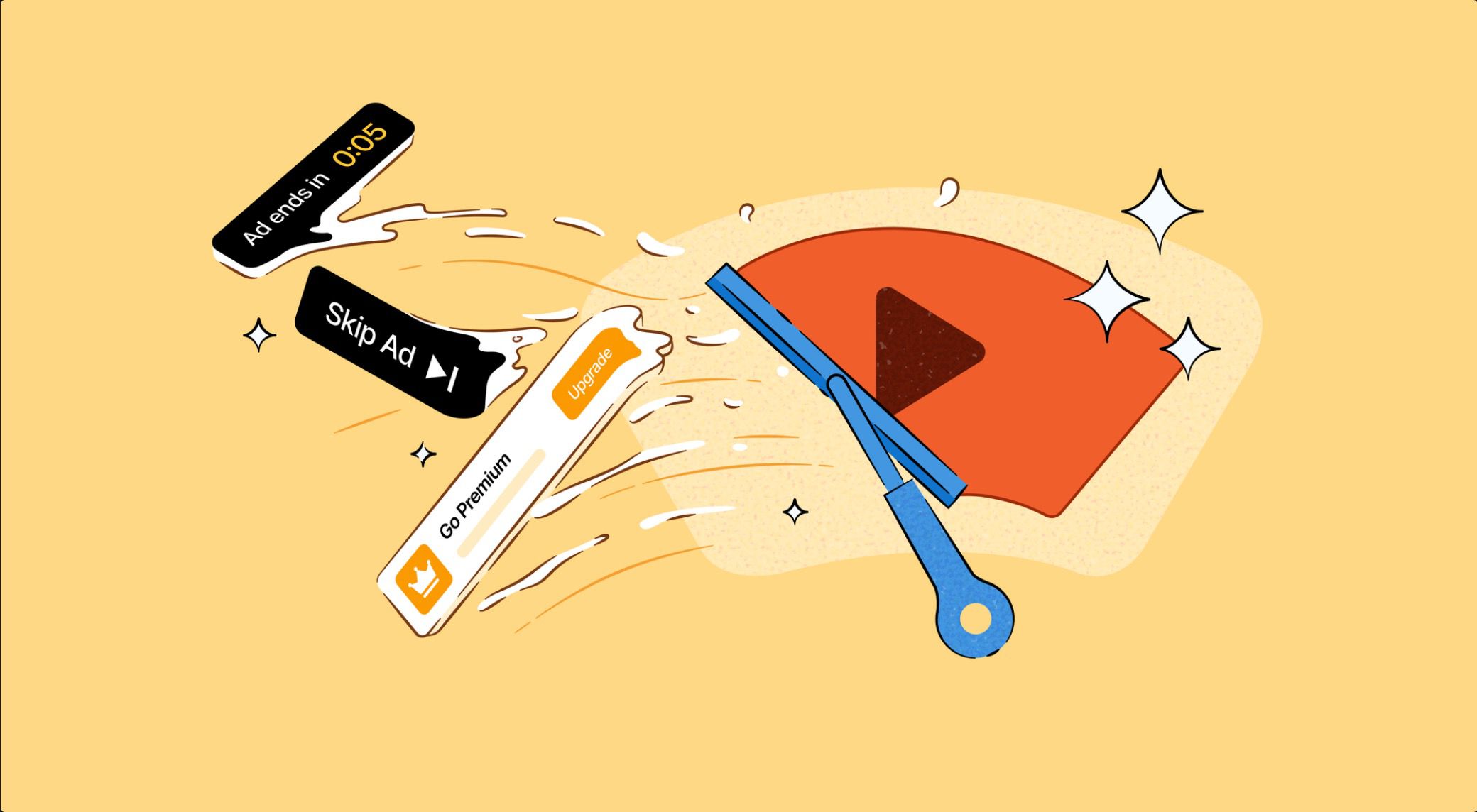
Summary: DuckDuckGo has introduced a new feature that blocks YouTube ads on its browser for iPhone and Mac, providing users with an ad-free and more private viewing experience. This update uses community-based rules to prevent ads from playing before and during videos, enhancing both convenience and online privacy. The browser already offers other privacy protections, making it a popular choice for safer internet browsing.
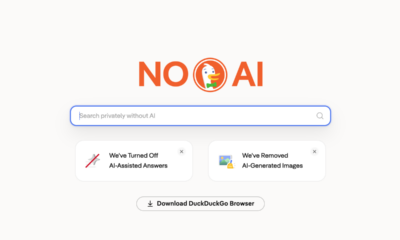
Good news for YouTube viewers! DuckDuckGo, a free web browser known for protecting your privacy, has added a new feature. Now, it can block most ads that play before and during YouTube videos on iPhone and Mac computers.
What is Changing?
The new feature is called “YouTube Ad Blocking.” When you use DuckDuckGo’s browser on your iPhone or Mac with the latest app update, ads on YouTube will be blocked by default. This means you can watch videos without interruptions from ads, making your YouTube experience smoother.
How Does It Work?
DuckDuckGo uses special rules from community-designed lists, along with its own protections, to stop ads from appearing. The company says that videos might buffer a little longer to load, but once they start playing, the video should continue smoothly.
What You Need to Know
- This ad blocking stops ads that play before and during YouTube videos.
- It works only on the browser. If you tap a YouTube link, it might open the YouTube app instead, where ads won’t be blocked. To avoid that, open YouTube videos inside the DuckDuckGo browser.
- The feature is separate from DuckDuckGo’s “Duck Player,” which is a mode for distraction-free video watching. You can still use both features together.
Why Is This Important?
YouTube ads can be annoying and sometimes make videos take longer to start. DuckDuckGo’s new feature helps you enjoy videos without those distractions. It’s part of DuckDuckGo’s effort to give users more privacy and control over their browsing experience.
Other Privacy Protections
Besides blocking YouTube ads, DuckDuckGo’s browser offers other privacy features, like stopping ad trackers and removing cookie pop-ups. It’s designed to help you browse the internet more safely.
Availability
You can download DuckDuckGo’s browser for iPhone from the App Store and for Mac from the Mac App Store or the DuckDuckGo website.
In Summary
DuckDuckGo has made it easier for people to watch YouTube videos without ads, all while protecting their privacy. This new feature is a great addition for anyone who wants a better and more private way to enjoy online videos.
Note: DuckDuckGo is not the only browser with this feature. Brave and Opera also have ways to block YouTube ads.